
Wholesale and distributor catalogs
Create multi-page product catalogs with consistent branding, product images, descriptions and technical details. Review every page in one Studio.
Create multi-page product catalogs with consistent branding, product images, descriptions and technical details. Review every page in one Studio.
Organize products into clear sections and keep typography, imagery and brand elements consistent across a multi-page catalog. Work from a template, review product grids and technical content, and refine the result in one editor before choosing an available export.
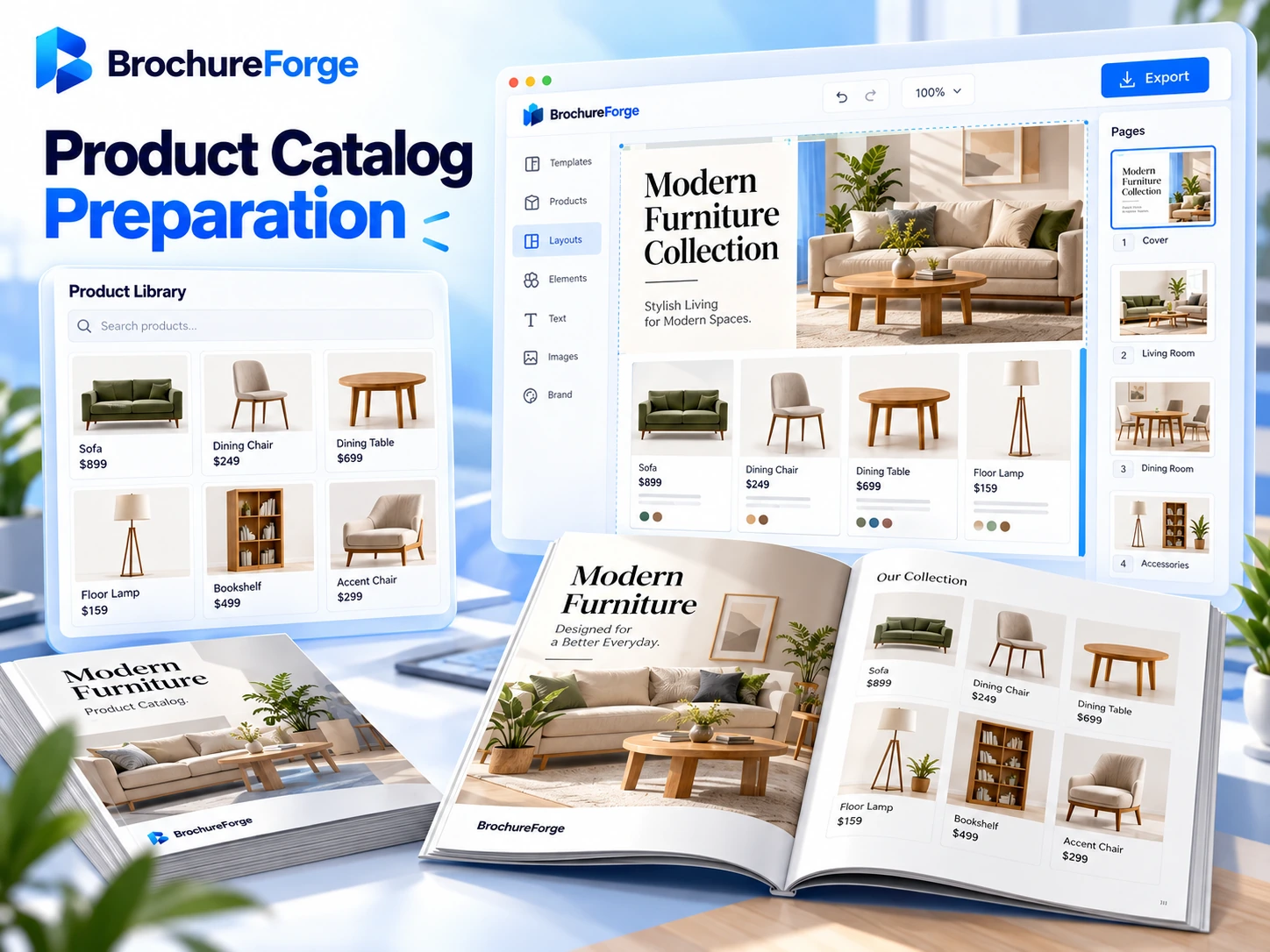
Create multi-page product catalogs with consistent branding, product images, descriptions and technical details. Review every page in one Studio.
Adapt the layout to your brand, audience and communication goal.
Adapt the layout to your brand, audience and communication goal.
BrochureForge AI Design & Conversion makes existing PDF catalogs a starting point for new designs. It examines the document structure, text and visual elements of multi-page files to prepare content for further layout work.
Manage the catalog layout, brand consistency and content refinements in one Studio. Review the project, make the changes you need and save the final version only with your approval.

Yes. Organize product groups across multiple pages and review the available export options for your plan and project.
Product imagery and specifications can be arranged in editable layouts. Review model-specific details before publishing.
BrochureForge Info
Catalog creation goes beyond placing text and images on pages. Use multi-product templates, product groups, descriptions, images, and pricing information to build a consistent catalog.