
Excel / CSV product catalog
Turn Excel or CSV product data into editable catalog layouts. Review product names, images and specifications in BrochureForge Studio.
Turn Excel or CSV product data into editable catalog layouts. Review product names, images and specifications in BrochureForge Studio.
Start with a structured product sheet instead of laying out each item manually. Review product fields and available import options, then adjust the catalog layout, images and technical information in the same Studio. Confirm the supported sources and formats in the active import panel.
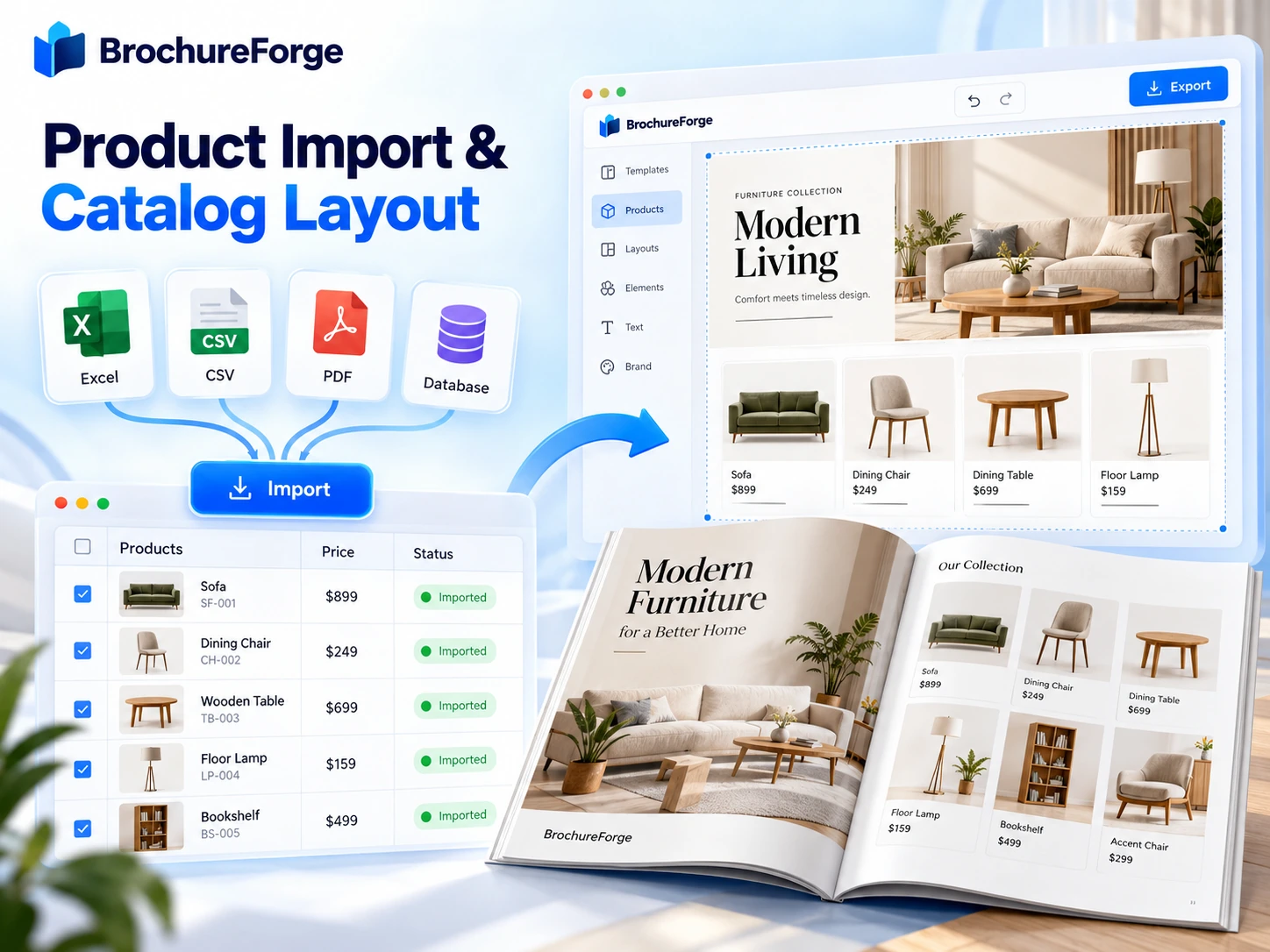
Turn Excel or CSV product data into editable catalog layouts. Review product names, images and specifications in BrochureForge Studio.
Adapt the layout to your brand, audience and communication goal.
Adapt the layout to your brand, audience and communication goal.
BrochureForge AI Design & Conversion examines the page structure, text and visuals in multi-page PDF documents to prepare existing content for a new design workflow. Instead of moving documents between separate tools, the process continues from analysis to editing in one design environment.
Review existing material, refine catalog pages and product presentations in the same Studio, and save the project only when you approve the result.

Structured product data is supported in the catalog workflow. Check the active import panel for the current file formats, size limits and source connections.
Review the generated layout in BrochureForge Studio and adjust supported text, images and product information before saving.
BrochureForge Info
Speed up catalog creation by importing structured product information. Combine names, descriptions, and images with catalog templates to reduce repetitive manual placement.