
Review imported PDF layouts
Review supported PDF-based designs, refine editable text and visual elements, and prepare available exports in BrochureForge Studio.
Review supported PDF-based designs, refine editable text and visual elements, and prepare available exports in BrochureForge Studio.
Bring supported document layouts into the same Studio used for catalogs and brand designs. Review imported pages, refine editable elements, and check export availability before publishing. Editability depends on the source PDF and its content; verify the resulting layout in Studio.
Present all project details in a neatly structured document.
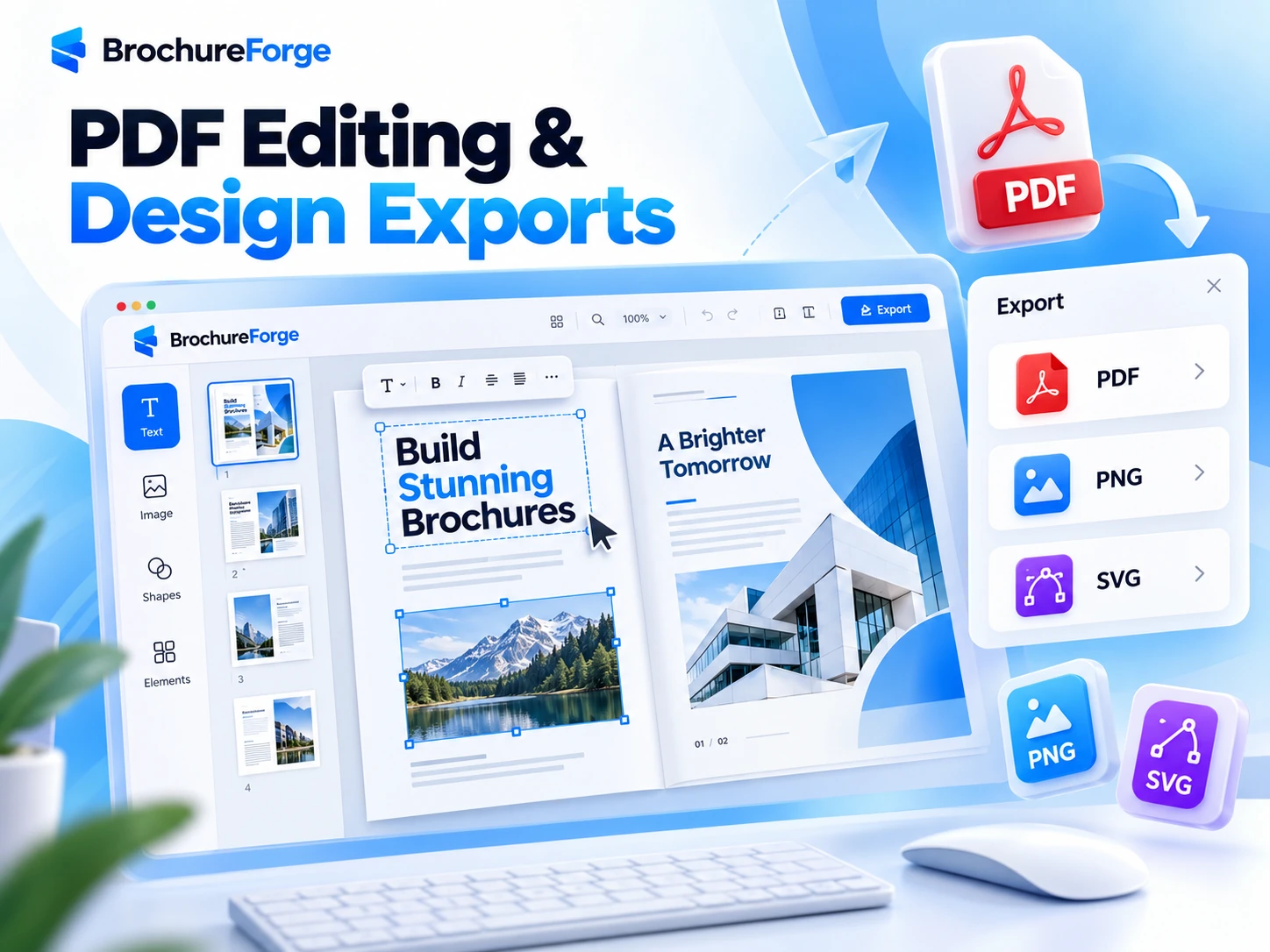
Review supported PDF-based designs, refine editable text and visual elements, and prepare available exports in BrochureForge Studio.
Adapt the layout to your brand, audience and communication goal.
Adapt the layout to your brand, audience and communication goal.
A PDF can be more than a document to view. BrochureForge AI examines its page structure, text and visual elements to prepare the content for further design and editing work.
Continue reviewing page layouts, refining content and developing the design in the existing Studio. The source document remains separate from the working project, which is saved only with your approval.

Not necessarily. Text and graphics editability depends on the PDF structure and the supported import workflow. Always review the imported result.
Check the export options available to your plan and project in the real Studio before publishing.